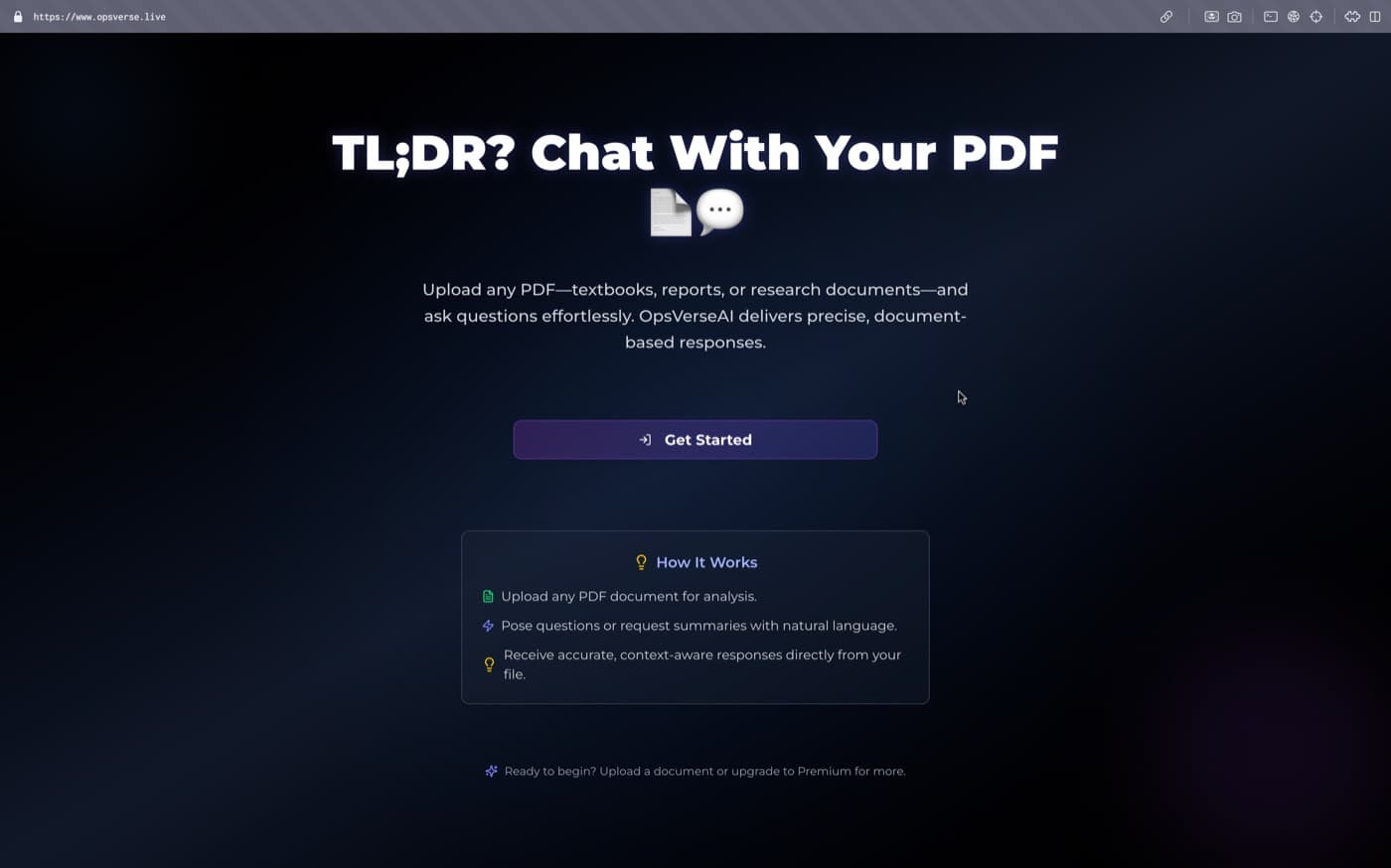
We are living in an era of information overload. While Large Language Models (LLMs) have revolutionized how we interact with data, they are often limited by their training cutoff and the lack of access to private, proprietary documents.
Readora was designed to bridge this gap. It's not just another PDF viewer; it's an intelligent companion that transforms static documents into a dynamic, queryable knowledge base. In this article, I'll walk you through the architectural decisions and technical implementation of the RAG (Retrieval-Augmented Generation) pipeline that powers Readora.
What is RAG?
Before we dive into the code, let's clarify the core concept. RAG is an architectural pattern that optimizes the output of an LLM by referencing an external, authoritative knowledge base outside of its training data before generating a response.
Think of it as giving an open-book exam to an AI. Instead of relying purely on its memory, the AI can look up specific pages in a textbook to provide a more accurate and grounded answer.
The Architecture: A Four-Stage Pipeline
Building a robust RAG system involves more than just sending text to an API. Readora follows a strictly defined four-stage pipeline.
1. Document Processing & Ingestion
The journey begins when a user uploads a PDF. We can't simply feed a 100MB PDF into an LLM—it would exceed the context window and be prohibitively expensive. Instead, we:
- Extract Text: Using
pdf-parseor similar utilities to pull raw text from the document. - Recursive Chunking: We break the text into smaller segments (chunks). I opted for a Recursive Character Text Splitter with an overlap.
Why Overlap? Overlap ensures that semantic context isn't lost at the boundaries of chunks. If a sentence is cut in half, the overlap allows both chunks to retain the full meaning.
const splitter = new RecursiveCharacterTextSplitter({
  chunkSize: 1000,
  chunkOverlap: 200,
});

const docs = await splitter.splitDocuments([
  new Document({ pageContent: rawText }),
]);
2. Semantic Embedding
Each chunk is then converted into a vector—a long array of numbers that represents the meaning of the text. For this, Readora utilizes Google's gemini-embedding-001 model (768-dimensional embeddings).
Unlike a simple keyword search that looks for exact word matches, embeddings allow for semantic search. For example, a search for "revenue" would correctly identify chunks discussing "earnings" or "financial performance."
3. Vector Storage with Pinecone
Once embedded, these vectors need a home. Pinecone acts as our long-term memory. It's a specialized vector database that allows for "Nearest Neighbor" searches at scale.
// Initializing Pinecone Index
const index = pc.Index(process.env.PINECONE_INDEX!);

// Upserting vectors with metadata
await index.upsert(
  embeddings.map((embedding, i) => ({
    id: `${fileId}-${i}`,
    values: embedding,
    metadata: {
      text: docs[i].pageContent,
      fileId: fileId,
    },
  }))
);
4. Retrieval & Contextual Generation
When a user asks a question, the final stage is triggered:
- The question is embedded using the same model.
- We query Pinecone for the top k (e.g., top 5) most similar chunks.
- These chunks, along with the user's question, are sent to Gemini.
The prompt looks something like this: "Using only the provided context below, answer the user's question. If the answer isn't in the context, say you don't know."
Key Challenges & Solutions
Handling Hallucinations
LLMs are notorious for "hallucinating"—confidently stating facts that aren't true. By using RAG and a strict system prompt, we force the model to ground its answers in the retrieved documents, significantly reducing the risk of misinformation.
Performance & Latency
To keep the UI snappy, we utilize Next.js Server Actions and Streaming. Instead of waiting for the full AI response, the user sees the answer being "typed" in real-time, providing immediate feedback.
Tip: Use ai package from Vercel to easily implement streaming responses in Next.js applications.
UI/UX: Making Data Interaction Intuitive
The interface was built with a "Chat-First" mentality. Using Shadcn UI and Framer Motion, I created a workspace where the PDF is visible on one side and the AI chat on the other. This "split-view" allows users to verify the AI's answers against the source text immediately.
Key UI Features:
- Real-time Status Updates: Users see the progress of "PDF Processing," "Embedding," and "Indexing."
- Source Highlighting: (Planned) Clicking on an AI response will highlight the specific section in the PDF it was derived from.
The Road Ahead
Readora is just the beginning. The roadmap includes:
- Multi-Document Interaction: Asking questions across dozens of PDFs simultaneously.
- Agentic Workflows: Allowing the AI to perform actions based on the document (e.g., "Draft an email summary based on this contract").
- Private Deployments: On-premise solutions for enterprises with strict data privacy requirements.
RAG is fundamentally changing how we interact with our own data. It’s no longer about finding a file; it’s about having a conversation with your collective knowledge.